

How Google Calendar CRM Improves Workflow Visibility
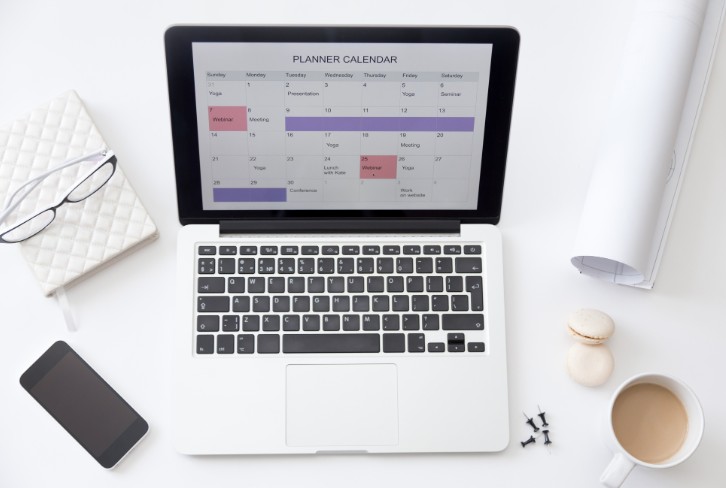
Sales, support, and project teams use calendars to plan calls, meetings, demos, follow-ups, and internal reviews. When these events stay separate from tasks and client records, managers lose part of the work picture. A Google Calendar CRM setup connects scheduled activity with daily operations. Planfix supports this through Google services integration, task calendars, workload views, and linked client data.
Why Calendar Data Matters in CRM
CRM visibility depends on more than contact cards and notes. Meetings, calls, deadlines, and follow-up dates often show where work slows down or where the next action is needed. The table below shows common problems that appear when calendar data is separated from CRM records:
| Workflow issue | How integration helps |
| Missed follow-ups | links meetings and tasks with client activity |
| Unclear workload | shows calls, events, and deadlines in one schedule |
| Scattered updates | keeps appointments visible inside the work system |
| Weak planning | helps teams review upcoming commitments earlier |
| Manual duplication | reduces copying between tools |
This structure helps teams understand what is planned, what has happened, and which actions should come next.
How Calendar Integration Supports Team Coordination
A connected calendar helps teams move from scheduling to action. A meeting can be linked to a client, a follow-up can become a task, and a deadline can appear in a shared work view. This is useful when several people work on the same account, case, or project. The main benefits include:
- clearer visibility of calls, meetings, and deadlines;
- fewer missed follow-ups after conversations;
- better coordination between sales, support, and project teams;
- less manual copying between planning tools;
- easier workload review for managers.
After these elements are connected, a schedule becomes part of team coordination, not only a personal planner. Managers can see upcoming activity, while employees get more context for daily work.
What to Check Before Setup
Before connecting timetable data with CRM, a company should define how teams use appointments. Some events are private reminders, while others relate to client communication, delivery, or approvals. Mixing everything without rules can make schedules harder to read. A useful setup should answer several questions. Which meetings need shared visibility? Which events require follow-up tasks? Who should see client-related appointments? How should completed calls appear in reports?
Planfix helps connect scheduling with work management through bidirectional Google Calendar synchronization, task assignment, flexible schedule planning, reports, and CRM data. This makes time, responsibility, and client activity easier to manage in one system.
Conclusion
Google Calendar CRM helps teams see how scheduled work connects with client activity, tasks, and deadlines. It is useful when meetings, calls, and follow-ups affect the same process. A good setup should not only display events. It should show responsibility, timing, and next steps. When calendar data, CRM records, and task management are connected, managers get better visibility and employees work with fewer gaps.
FAQ
What is Google Calendar CRM?
Google Calendar CRM connects scheduled events with client records, tasks, and work data, so teams can manage appointments and follow-ups with more context.
Why is Calendar integration useful for CRM?
It helps teams avoid missed meetings, track follow-ups, review workload, and keep client-related activity visible in one system.
What should teams check before using Calendar CRM?
Teams should decide which events need shared access, which appointments require follow-up tasks, and how timetable data should support reports.