Best E-Signature Software for Small Business
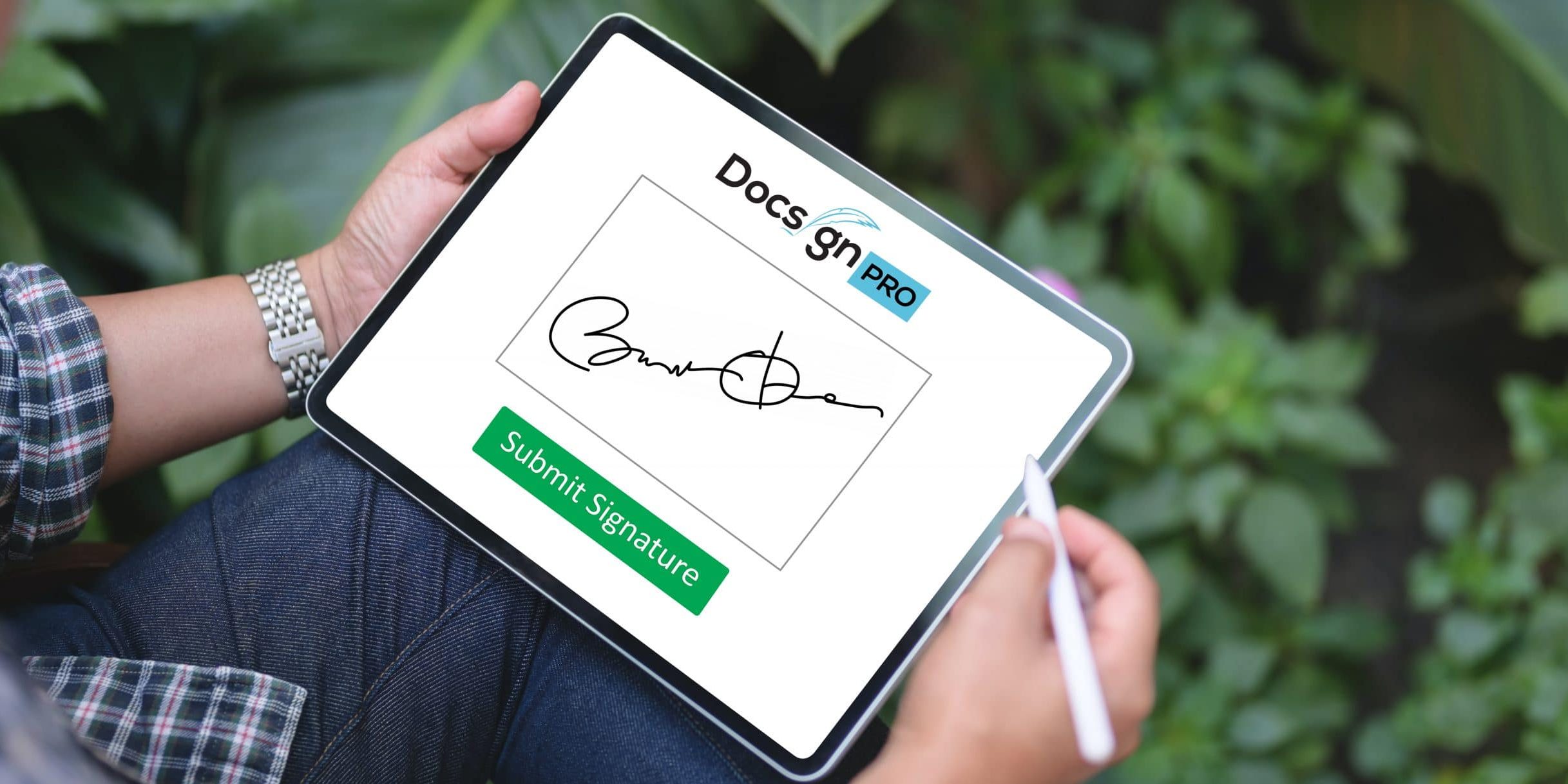
In 2026, small businesses are under constant pressure to move faster, reduce costs, and deliver seamless customer experiences. One of the simplest yet most powerful ways to achieve this is by adopting e-signature software. Instead of printing, signing, scanning, and emailing documents, businesses can now handle everything digitally—saving time and improving efficiency. As remote work and global collaboration continue to grow, e-signature tools have become a core part of modern business operations.
Many entrepreneurs start by searching for practical solutions like how to electronically sign a word document, but quickly realize that basic methods are not enough for professional workflows. Dedicated e-signature platforms offer far more than simple signing—they provide document tracking, automation, compliance, and integrations with other tools, making them essential for scaling businesses.
What Is E-Signature Software?
E-signature software allows users to sign documents electronically in a secure and legally binding way. These tools use encryption, authentication, and audit trails to ensure that documents are protected and verifiable.
Unlike traditional signatures, which require physical presence, e-signatures enable remote signing from any device. This is particularly valuable for small businesses that work with clients, partners, or employees in different locations.
According to industry insights, e-signature solutions eliminate the need for printing and mailing while centralizing document management, making processes faster and more cost-effective.
Why Small Businesses Need E-Signature Tools
Small businesses often operate with limited resources, so efficiency is critical. E-signature software helps in several key ways:
- Faster deal cycles: Documents can be signed instantly
- Cost savings: No need for paper, printing, or postage
- Improved organization: All documents stored in one place
- Better customer experience: Clients can sign from anywhere
- Legal compliance: Secure and enforceable agreements
E-signatures are now widely recognized as legally binding in many regions, including the US and EU, making them a reliable choice for businesses.
Key Features to Look For
When choosing e-signature software, small businesses should focus on features that deliver maximum value without unnecessary complexity:
- Ease of use: Simple interface for both sender and signer
- Templates: Reusable documents to save time
- Integration: Compatibility with CRM and other tools
- Audit trails: Detailed record of signing activity
- Security: Encryption and authentication methods
- Pricing flexibility: Affordable plans for small teams
The best tools balance functionality with affordability, ensuring that businesses don’t overpay for features they don’t need.
Best E-Signature Software for Small Business in 2026
Here are some of the top solutions available today:
1. Getaccept
Getaccept goes beyond basic e-signatures by combining document tracking, video communication, and analytics. It is especially useful for sales teams that want to monitor engagement and close deals faster.
2. DocuSign
DocuSign remains the market leader, offering robust features, strong compliance, and extensive integrations. It is ideal for businesses that need reliability and scalability.
3. Adobe Acrobat Sign
A great choice for companies that work heavily with PDFs. It integrates seamlessly with Adobe and Microsoft tools.
4. Dropbox Sign
Known for its simplicity and clean interface, this tool is perfect for small teams looking for an easy-to-use solution.
5. PandaDoc
PandaDoc combines e-signatures with document creation and proposal management, making it ideal for sales-driven businesses.
6. SignNow
A budget-friendly option that offers solid features for small businesses without high costs.
7. Blueink
Blueink stands out for its affordability and strong compliance features, making it a good choice for growing teams.
How to Choose the Right Tool
Selecting the best e-signature software depends on your specific needs. Consider the following:
- Volume of documents: How many agreements you send monthly
- Type of documents: Contracts, proposals, NDAs, etc.
- Budget: Monthly or annual cost
- Integration needs: CRM, email, or cloud storage
- User experience: Ease for both team and clients
For example, a freelancer may prioritize affordability, while a growing company may need advanced features and integrations.
Real-World Insights from Users
Discussions among small business owners often highlight cost and simplicity as key concerns. Many users note that enterprise tools can feel overpriced for smaller teams, especially when pricing is based on usage or “per-envelope” fees.
Others emphasize the importance of templates, audit trails, and ease of use for clients, as these features directly impact productivity and customer satisfaction.
These insights reinforce the idea that the “best” tool is not always the most popular one—it’s the one that fits your workflow and budget.
Benefits of Using E-Signature Software
1. Speed and Efficiency
Contracts can be signed in minutes instead of days.
2. Cost Reduction
Eliminates expenses related to paper and mailing.
3. Improved Security
Encryption and authentication protect sensitive data.
4. Better Tracking
Know exactly when a document is opened and signed.
5. Professional Image
Digital processes create a modern and reliable impression.
Challenges to Consider
While e-signature software offers many benefits, there are some challenges:
- Learning curve for new users
- Integration setup with existing tools
- Pricing models that may increase with usage
However, these challenges are usually minor compared to the advantages.
The Future of E-Signature Software
Looking ahead, e-signature tools will continue to evolve with new technologies. Artificial intelligence will help automate document workflows, while deeper integrations will connect e-signatures with CRM and sales platforms.
Additionally, platforms like Getaccept are already combining e-signatures with analytics and communication tools, creating a more comprehensive sales environment.
Conclusion
E-signature software is no longer optional for small businesses—it’s a necessity. By replacing outdated paper-based processes, these tools improve efficiency, reduce costs, and enhance customer experiences.
Whether you choose a well-known platform like DocuSign or a more specialized solution like Getaccept, the key is to find a tool that aligns with your business needs. With the right software in place, you can streamline your workflows and focus on what matters most: growing your business.
FAQ
1. What is e-signature software?
It is a tool that allows users to sign documents electronically in a secure and legally binding way.
2. Is e-signature software legal?
Yes, e-signatures are legally recognized in many countries, including the US and EU.
3. What is the best e-signature software for small business?
Popular options include DocuSign, Adobe Acrobat Sign, PandaDoc, and Getaccept.
4. How much does e-signature software cost?
Pricing varies, but many tools offer free plans or affordable monthly subscriptions starting from around $10.
5. Why should small businesses use e-signature tools?
They save time, reduce costs, improve security, and make it easier to close deals quickly.