
Why Isn’t My Flashlight Working? Common Causes & Fixes 2026
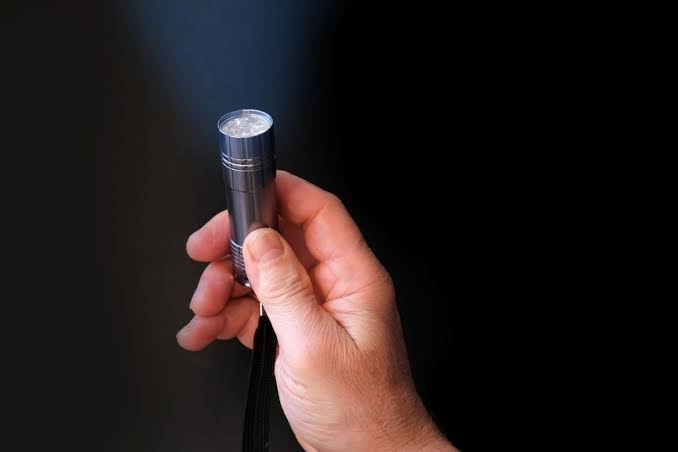
Reaching for your flashlight in the dark only to have nothing happen is one of the most frustrating tech moments. If you’re asking why isn’t my flashlight working, the cause usually falls into one of a few common categories.
Whether it’s a phone flashlight or a handheld torch, most issues come down to power, software, or a loose connection. The good news is that most fixes take only a few minutes.
Why Isn’t My Flashlight Working?
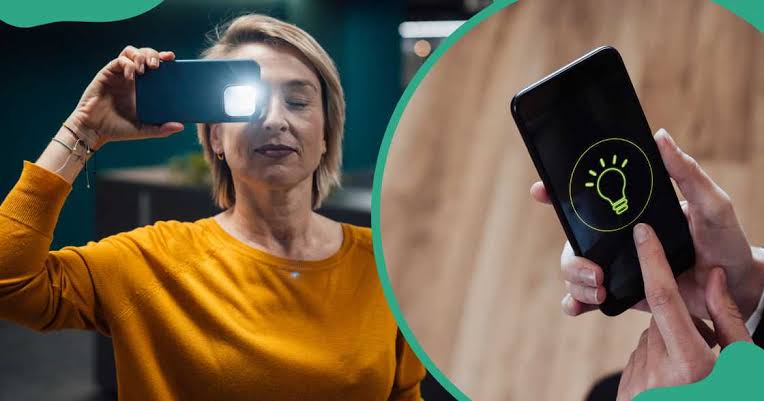
A flashlight usually stops working due to a dead or drained battery, a software glitch, an app conflict, overheating, or a loose internal connection. Phone flashlights fail more often from software issues, while handheld flashlights usually fail from battery or contact problems.
Most issues can be fixed with a restart, battery swap, or quick cleaning, without needing professional repair.
Phone Flashlight vs. Handheld Flashlight
Phone flashlights and handheld torches fail for different reasons, even though both feel like the same simple tool. Understanding which type you have narrows down the fix quickly.
Key Differences
- Phone flashlights are controlled by software and share hardware with the camera
- Handheld flashlights rely purely on battery power and physical connections
- Software glitches mostly affect phones, not standalone flashlights
- Battery issues affect both types, but are more common in handheld units
Top Reasons Why a Flashlight Isn’t Working
Several common issues explain most flashlight failures, whether on a phone or a handheld device.
1. Dead or Weak Batteries
Batteries that look fine can still lack enough charge to power the LED. This is the most common cause for handheld flashlights specifically.
Regulated-output flashlights often shut off suddenly instead of gradually dimming, which can be misleading.
2. Camera App Conflict (Phones Only)
On phones, only one app can control the camera hardware at a time. If another app is using the camera in the background, the flashlight button may not respond.
Closing all background apps completely often resolves this instantly.
3. Low Battery or Power Saving Mode
Many phones disable the flashlight automatically when battery levels drop too low. This is a built-in safety feature, not a malfunction.
Charging the phone even slightly can often restore flashlight access immediately.
4. Overheating
Phones and some flashlights temporarily disable high-drain components like the LED flash when overheating. This protects the battery and internal hardware from damage.
Letting the device cool down for a few minutes usually resolves the issue.
5. Software Glitch
A temporary software freeze can leave the flashlight function stuck or unresponsive. This is especially common after updates or extended phone use without a restart.
A simple restart clears background processes and often fixes the glitch immediately.
6. Loose or Damaged Connection
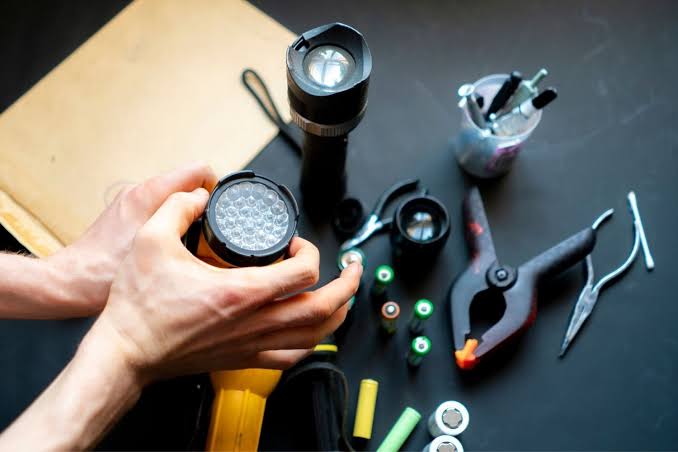
Drops or physical impact can loosen internal connections in both phones and handheld flashlights. On phones, this usually affects the camera module’s ribbon cable.
This type of issue typically requires professional repair to fix safely.
7. Corroded Battery Contacts
Handheld flashlights can develop corrosion on battery contacts over time, especially with old batteries left inside. This blocks the electrical connection needed to power the LED.
Flashlight Troubleshooting: Cause Comparison Table
| Cause | Applies To | Typical Fix |
|---|---|---|
| Dead battery | Both | Replace or recharge batteries |
| Camera app conflict | Phones | Close background apps |
| Low battery mode | Phones | Charge device, disable power saver |
| Overheating | Both | Let device cool down |
| Software glitch | Phones | Restart the device |
| Loose connection | Both | Professional repair likely needed |
| Corroded contacts | Handheld | Clean contacts or replace battery |
How to Fix a Phone Flashlight That Isn’t Working
- Restart your phone completely.
- Close all background apps, especially camera-related ones.
- Turn off low battery or power saving mode.
- Open the camera app to check if the flash responds there.
- Update your phone’s software if an update is available.
How to Fix a Handheld Flashlight That Isn’t Working
- Replace the batteries with a fresh, correct set.
- Check battery contacts for corrosion or debris.
- Clean contacts gently with a dry cloth or eraser.
- Ensure batteries are inserted in the correct orientation.
- Test the flashlight with batteries known to work.
Mistakes to Avoid When Troubleshooting
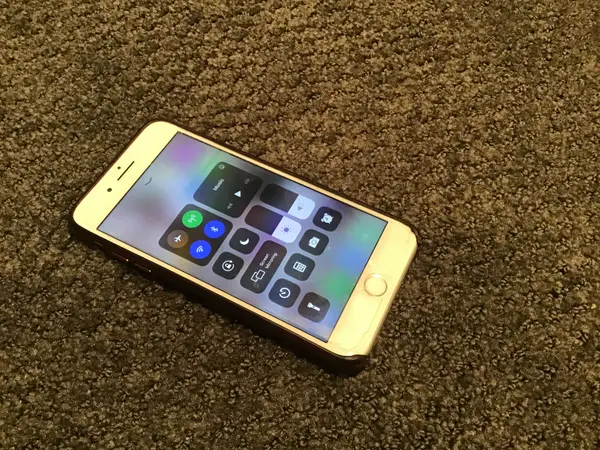
- Don’t assume it’s always a hardware issue before restarting the device.
- Don’t ignore power saving mode as a possible cause on phones.
- Don’t mix old and new batteries in a handheld flashlight.
- Don’t force a stuck switch, since this can cause further damage.
When to Seek Professional Repair
If a phone flashlight stays grayed out after restarting and closing all apps, hardware damage is likely. A cracked LED or disconnected camera module usually requires professional service.
For handheld flashlights, persistent failure after a battery swap and contact cleaning often points to an internal wiring or switch problem.
Expert Tips to Prevent Future Flashlight Issues
Technicians recommend restarting phones regularly to clear background processes that can interfere with hardware features like the flashlight. For handheld flashlights, storing batteries outside the device when not in use helps prevent corrosion and extends battery life.
Keeping devices out of extreme heat also reduces the risk of overheating-related shutdowns.
Also Read:
- Automated Enforcement Under Scrutiny: A Review of Red Light and Speed Cameras in the United States
- What Are Synonyms of Should? Top Words Explained 2026
- What Are Synonyms for Good? Words You Can Use 2026
- What Is the Difference Between Synonyms and Antonyms?
- YouTube Growth Strategy for New Creators: What Actually Works
- Electronics Recycling Container: The Smart Solution for Responsible E-Waste Disposal
- The Key Questions That Often Decide Truck Accident Claims
- Why Homeowners Skip Regular Cleaning and What It Costs Them
- Zodiac Signs: Your Personality Blueprint Guide
- Best 800+ Synonyms for Why: Simple Words & Usage Guide 2026
- Pun Names: Powerful & Hilarious Names to Make Everyone Laugh
- 200+ Funny Responses to “Good Morning” Texts
- OnThisVerySpot Com: Unlocking Layers of History and Pop Culture at Your Fingertips
- Unforgettable Ways to Incorporate Live Music Into Your Wedding Ceremony
- The Transformative Power of Music on Creativity and Well-Being
- How Music Listeners Are Quietly Moving Their Libraries Between Streaming Services
- Benjy Grinberg on Why a Musician’s Character Can Leave a Legacy as Powerful as Their Sound
- Redefining Sonic Identity Through the Lens of AI Music Generator
- Alabama Barker Age: The Empowering Journey of a Rising Music Star
- How Old Is Alabama Barker: The Dynamic Young Star’s Musical and Modeling Rise
- What Is Philip Michael Thomas Doing Now: Reigniting the Groove with Bold Music Moves
- Pretty Lights Net Worth: Illuminating the Glitch-Hop Empire of a Music Visionary
- Alahna Ly Age: The Rising Star of Social Media and Music
Frequently Asked Questions (FAQs)
Why isn’t my flashlight working on my phone?
The most common causes are a camera app conflict, low battery mode, overheating, or a temporary software glitch.
Why does my flashlight stay grayed out on my phone?
A grayed-out flashlight icon usually means the system can’t access the camera hardware due to an app conflict or hardware issue.
Can low battery stop my phone flashlight from working?
Yes. Many phones automatically disable the flashlight when battery levels get too low to conserve power.
Why does my flashlight turn off by itself?
This often happens due to overheating protection or an app briefly taking control of the camera hardware.
Does restarting my phone fix flashlight problems?
Yes, in many cases. A restart clears background processes that may be blocking flashlight access.
Why isn’t my handheld flashlight turning on?
Weak or dead batteries are the most common cause, followed by corroded battery contacts.
Can old batteries cause a flashlight to fail even if they still have some charge?
Yes. Batteries can lose enough power to run an LED even if they still show minor charge in other devices.
Why does my flashlight flicker instead of staying on?
Flickering often points to loose battery contacts or a weakening battery losing consistent power.
Is it safe to keep batteries inside a flashlight when not in use?
Long-term storage with batteries inside can lead to corrosion, so removing them is often recommended.
Why does my phone’s flashlight work in the camera app but not the control center?
This usually points to a software glitch in how the shortcut communicates with the camera hardware.
Can a phone case cause flashlight problems?
Some thick or poorly designed cases can interfere with the flash sensor, though this is relatively uncommon.
Why did my flashlight stop working after a software update?
Updates can occasionally cause temporary software conflicts that affect hardware features like the flashlight.
Can water damage cause a flashlight to stop working?
Yes. Water exposure can damage internal components in both phones and handheld flashlights, even with water-resistant ratings.
Why does my flashlight only work sometimes?
Inconsistent performance often points to a loose connection or a battery that’s nearing the end of its life.
Is it worth repairing a phone just for a broken flashlight?
If the flashlight issue is isolated to hardware, weigh repair cost against the age and value of the device.
Can third-party flashlight apps fix hardware issues?
No. Apps can only work if the underlying hardware and camera access are functioning correctly.
Why does my flashlight turn off automatically after a few minutes?
Some phones include automatic timeout settings for the flashlight to help conserve battery life.
Can extreme cold affect flashlight batteries?
Yes. Cold temperatures can temporarily reduce battery performance in both phones and handheld flashlights.
Why does my flashlight work with new batteries but not rechargeable ones?
Rechargeable batteries sometimes provide slightly lower voltage, which can affect certain flashlight models.
Should I try a factory reset if my phone flashlight still isn’t working?
A factory reset can rule out software issues, but back up your data first since it erases stored content.
Conclusion
So, why isn’t my flashlight working? In most cases, it comes down to battery power, a software conflict, or a loose connection rather than a serious hardware failure. Simple steps like restarting your device or swapping batteries solve the majority of issues.
If none of the troubleshooting steps restore your flashlight, professional repair is the safest next step to avoid further damage.